
- Category
- Photo & Video
- Version
- 2.1.5
- Size
- 49 MB
- Requires
- iOS 18.0+
- Content rating
- 4+
- Languages
- 1
- Released
- Jul 9, 2019
- Updated
- Nov 5, 2026
App Store chart standing
Photo Summary currently ranks #76 in Top Paid Photo & Video · United Kingdom (▼ 19 vs the previous snapshot). Its best (peak) chart position in the last 30 days was #67.
About Photo Summary
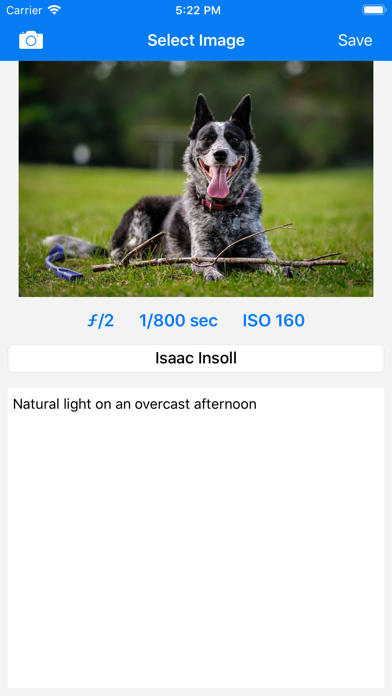
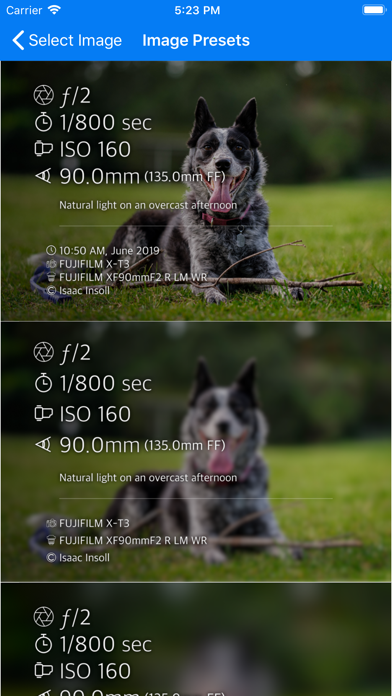
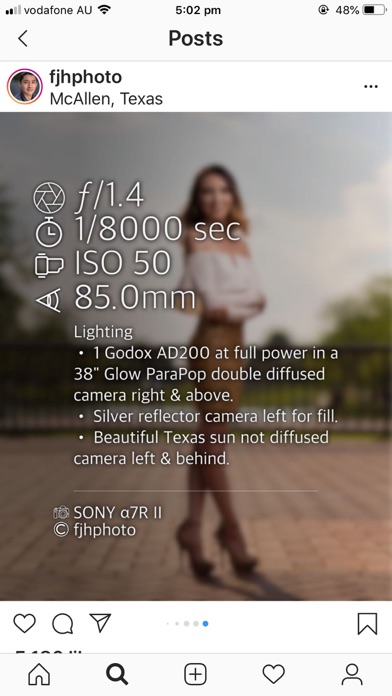
Photo Summary allows you to quickly and easily create beautiful images containing the camera settings used to take the photo. How to use: 1. Select a photo from your camera roll (perhaps previously downloaded via AirDrop Google Drive) 2. Add any notes or adjust settings if necessary then click 'Save' 3. Choose your favourite option from the list of designs and it will be saved to your camera roll. This app was inspired by the camera settings being shared in groups such as "Learn to Light - An OCF Lighting Community". Features coming soon: - iPad Support - Ability to edit…
Description excerpt from the App Store. Read the full listing on the App Store ↗
What's new in 2.1.5
- Bug Fixes
Track Photo Summary's keyword ranks, competitors, reviews, and App Store changes with appusula.
Track this app