
- Category
- Productivity
- Version
- 34.2.0057
- Size
- 202 MB
- Requires
- iOS 16.0+
- Content rating
- 4+
- Languages
- 1
- Released
- Aug 31, 2012
- Updated
- Apr 16, 2026
App Store chart standing
eDrawings Pro currently ranks #28 in Top Paid Productivity · Australia (▼ 2 vs the previous snapshot). Its best (peak) chart position in the last 30 days was #28.
About eDrawings Pro
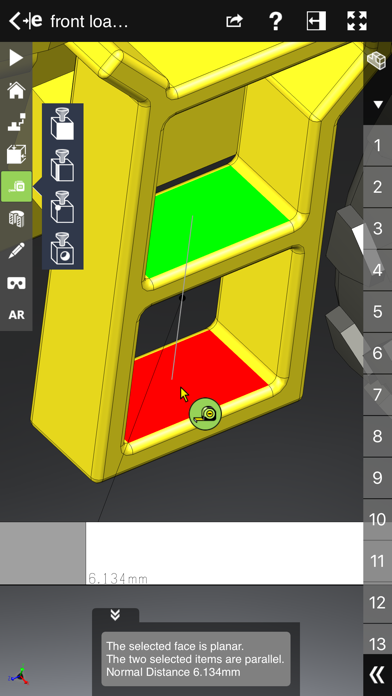
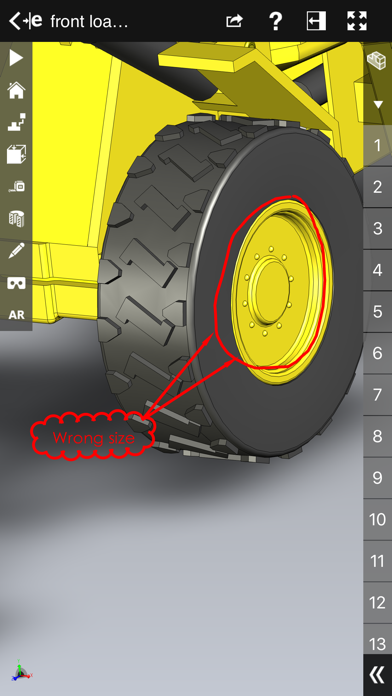
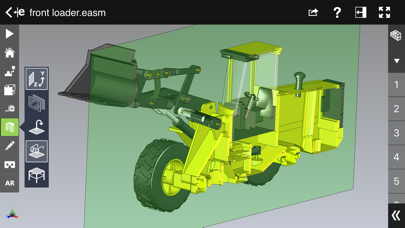
eDrawings® Pro is the professional 2D and 3D CAD collaboration app for the iPad, iPhone and iPod Touch that can view native SolidWorks® files (part, assembly, drawings), eDrawings files and DraftSight® (DWG™, DXF™) files. You can easily view models and access configurations, drawing sheets, and exploded views for eDrawings files published from SolidWorks and all other supported CAD software. Markup! Measure! Section! eDrawings® Pro takes you to the next level of 2D and 3D collaboration with more functionality, including dynamic cross section views, measurements, markups & annotations and…
Description excerpt from the App Store. Read the full listing on the App Store ↗
What's new in 34.2.0057
Bug Fixes
Track eDrawings Pro's keyword ranks, competitors, reviews, and App Store changes with appusula.
Track this app